
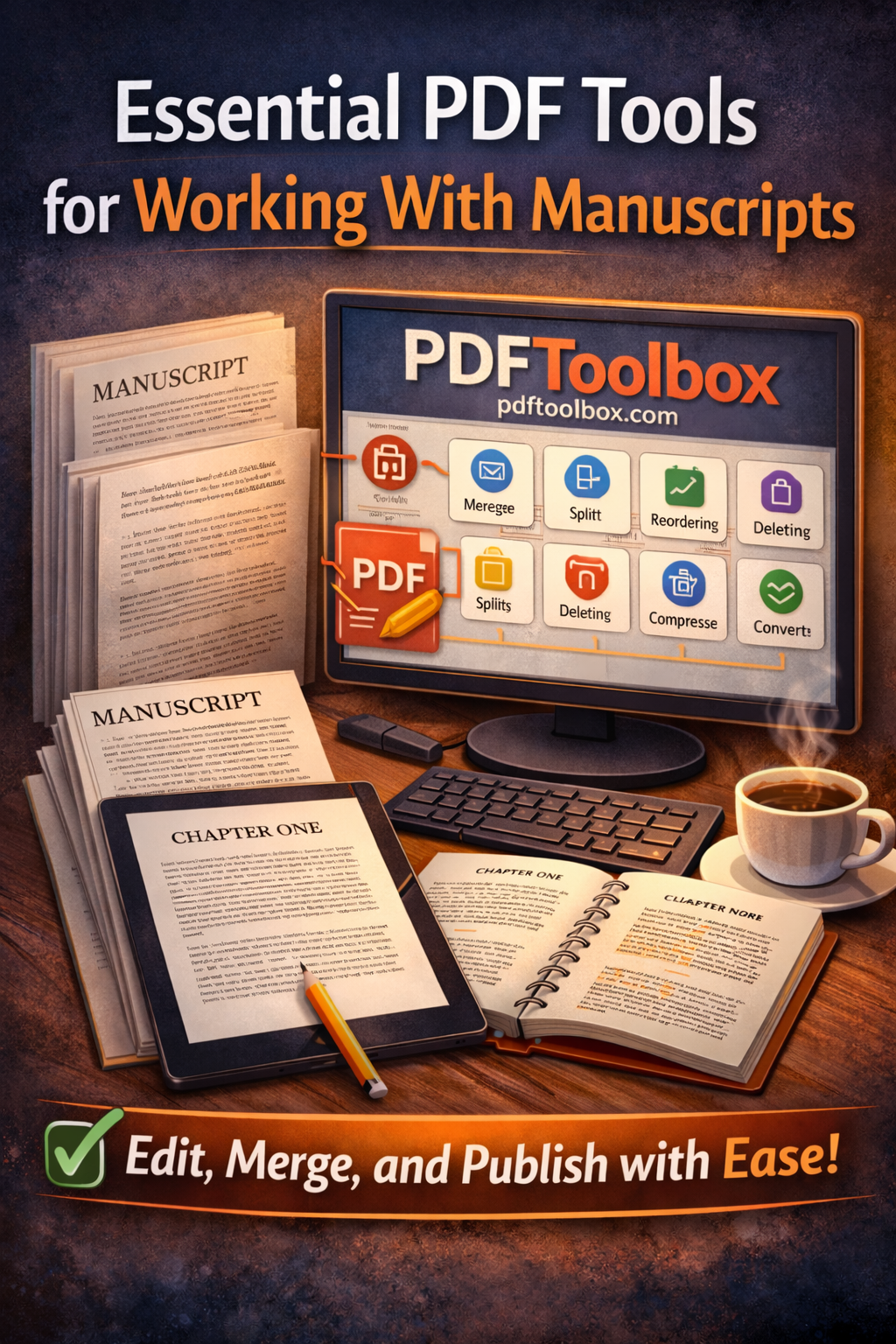
Essential PDF Tools for Working With Manuscripts (Without the Headaches)
If you work with manuscripts—whether for books, guides, workbooks, or low-content publications—PDF files are unavoidable. They’re the standard format for printers, distributors, and platforms like Amazon KDP.
But PDFs can quickly become frustrating without the right tools.
That’s why professional publishers rely on dedicated PDF tools to manage, fix, and prepare manuscripts efficiently—without needing complex design software.
Why PDF Tools Are Critical for Manuscript Work
Manuscripts in PDF format often require adjustments after writing is finished. Common needs include:
-
Merging multiple PDF files into one
-
Splitting large manuscripts into sections
-
Reordering or deleting pages
-
Fixing margins or page size issues
-
Compressing files for upload limits
-
Extracting or inserting pages
-
Converting PDFs when revisions are needed
Trying to do this manually—or with overly complex software—wastes time and invites errors.
The Problem With Overcomplicated PDF Software
Many traditional PDF tools are:
-
Expensive
-
Overloaded with features you don’t need
-
Difficult to learn
-
Designed for corporate workflows, not creators
For authors and publishers, simplicity matters. You want tools that do exactly what you need—fast.
A Simple, Intuitive Solution: PDFToolbox
PDFToolbox (available at https://pdftoolbox.com) focuses on the tools authors and publishers actually use—without clutter or confusion.
It’s designed to be:
-
Clean and intuitive
-
Easy for beginners
-
Powerful enough for professionals
-
Fast and reliable for daily publishing tasks
No steep learning curve. No bloated menus.
Must-Have PDF Tools for Manuscript Publishing
Here are the core PDF tools every publisher should have, all streamlined inside PDFToolbox:
Merge PDFs
Combine cover pages, front matter, manuscript files, and back matter into one clean, print-ready document.
Split PDFs
Break large manuscripts into chapters or sections for easier editing and review.
Reorder Pages
Instantly fix pagination issues without re-exporting the entire document.
Delete or Replace Pages
Perfect for removing blank pages, fixing errors, or updating individual sections.
Compress PDFs
Reduce file size without sacrificing quality—essential for upload limits and faster sharing.
Convert PDFs
Convert PDFs when revisions are needed or when moving between formats.
Ideal for KDP, Print, and Digital Publishing
Whether you’re publishing:
-
Kindle paperbacks
-
Puzzle books
-
Workbooks
-
Short reads
-
Client manuscripts
PDFToolbox helps ensure your files are clean, compliant, and ready to upload—without stress.
Explore the tools here:
https://pdftoolbox.com
Built for Creators, Not Corporations
What makes PDFToolbox stand out is its creator-first design. It’s not trying to replace massive design suites—it’s focused on helping authors and publishers get work done efficiently.
You don’t need training.
You don’t need tutorials.
You just upload, adjust, and move forward.
Final Thoughts
When working with manuscripts, the right PDF tools can save hours on every project—and prevent costly publishing mistakes.
If you want a simple, intuitive, and effective way to manage manuscript PDFs without overcomplication, PDFToolbox is a practical solution built for real-world publishing.
Learn more at:
https://pdftoolbox.com